



Logotype to Custom Type – James Edmondson
Original price was: $99.00.$54.00Current price is: $54.00.
»Product Delivery: Within 7 days
 Logotype to Custom Type Information
Logotype to Custom Type is designed to guide designers through the process of transforming a logotype into the early stages of a custom display typeface.
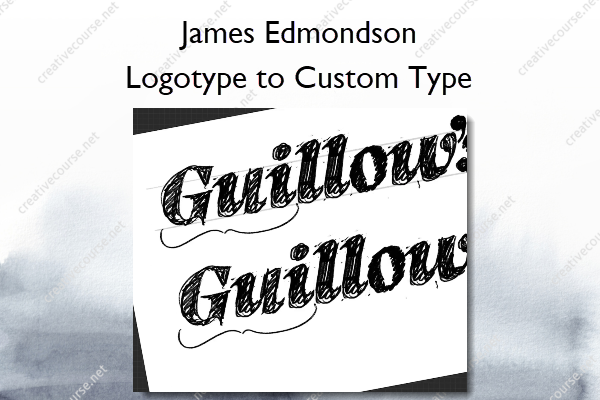
In this course we are going to do a refresh of the Guillow’s logotype and translate it into the beginning stages of a custom display typeface, focusing mainly on sketching and spacing.
What to Expect
This course goes through the steps that we take when designing a logotype, and then taking the parameters that we set for the logotype design and expanding that out into a character set. A basic knowledge of type terminology, type design principles, and use of type design software is expected, although not required to benefit from the course. We won’t be covering the how to’s of type design software here.
The first part of the course focuses on sketching. We use Procreate on the iPad for ease of instruction but whatever are your go-to sketching tools will work fine. The second part focuses on vectorizing and working in a font editor. We use Robofont, but you can use the font editor of your choice.
What You’ll Learn In Logotype to Custom Type?
Getting Started
- Introduction
- Tools and Materials Needed for the Course
Drawing the Logotype
- Parameters
- Our Recipe
- Sketching
- Vectorizing the Lettering
Expanding the Character Set
- Spacing
- Extending the Characterset
- Outro
More courses from the same author: James Edmondson
Salepage: Logotype to Custom Type – James Edmondson
Be the first to review “Logotype to Custom Type – James Edmondson”
You must be logged in to post a review.
Related products


Reviews
There are no reviews yet.