



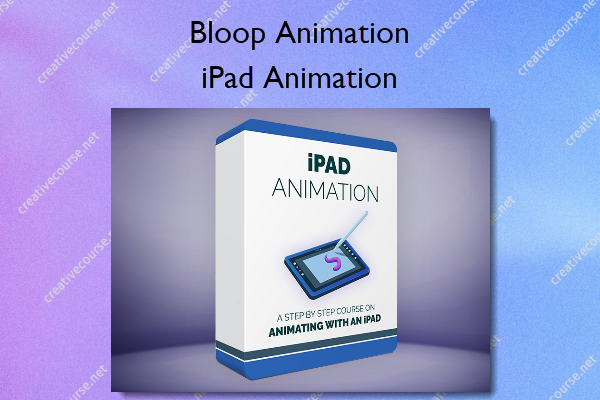
iPad Animation – Bloop Animation
Original price was: $97.00.$39.00Current price is: $39.00.
»Product Delivery: Within 7 days
 iPad Animation Information
A complete step-by-step course to animating on an iPad
Made for Animators
This course is specifically designed for aspiring animators and professionals interested in honing their craft on an iPad. Since its inception, the iPad has been a revolutionary device. Recently, it’s evolved into a robust personal computer, suitable for advanced creative tasks like animation. When paired with the precision of the Apple Pencil, the iPad provides an outstanding animation experience. Don’t just take our word for it – try it out for yourself, and we’ll show you how.
What You’ll Learn In iPad Animation?
iPad Animation Pipeline
We’ll start by going over the pipeline of making an entire short directly on the iPad. Which tablets and pencils to use, desk setup, and more.
Pre-Production
Before we can jump into animation, we need to get our story and visual assets in place. We’ll go over screenwriting on an iPad, and proceed to the visual development process by designing our characters and environments.
Storyboard + Animatic
Just because we’re animating on a tablet, it doesn’t mean we can neglect the important step of creating a storyboard for our animation. We’ll cover not only storyboarding, but also editing an animatic, complete with audio and sound effects – all without leaving your tablet.
Animation
When we’re finally ready to animate, we’ll cover 3 different animation apps, each with its own advantages. We’ll animate different shots in different apps to showcase the unique tools they offer. The apps we use in the course are Procreate, FlipaClip, and ToonSquid.
Compositing
Since we’re making the entire animated short on the iPad, we can’t neglect the important step of compositing our shots to make the final film. We’ll use DaVinci Resolve to bring our different shots into the timeline and export the final film.
More courses from the same author: Bloop Animation
Be the first to review “iPad Animation – Bloop Animation”
You must be logged in to post a review.
Related products



Reviews
There are no reviews yet.