


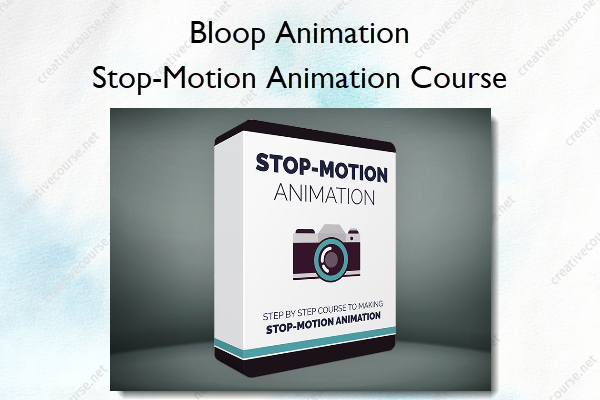
Stop-Motion Animation Course – Bloop Animation
Original price was: $97.00.$39.00Current price is: $39.00.
»Product Delivery: Within 7 days
 Stop-Motion Animation Course Information
A complete course to creating professional stop-motion animation using Dragonframe
Made for Aspiring Filmmakers
We’ve designed this course specifically for aspiring animation filmmakers interested in making their own stop-motion animations. After taking this course you will have a complete understanding of the entire process of making stop-motion shorts from start to finish and will be able to take the next steps to making your idea come to life.
What You’ll Learn In Stop-Motion Animation Course?
Introduction to Stop-Motion Animation
We’ll start by going over the basic principles of stop motion. What you’ll need to set up a proper stop-motion environment, as well as a quick overview of Dragonframe – the industry standard program for stop-motion animation.
Setting Up a Scene
After we understand the basics of how stop motion works, we’ll go over connecting and setting up a camera, as well as how to light our scene. Then we’ll build a set for our animation sequence, and construct a clay character from scratch.
Animating a Scene
When our assets are ready, we’ll get into animating all the shots for our sequence. We’ll use Dragonframe’s planning tools, audio tools, onion skinning & toggling, and even lip-syncing.
Exporting & Post-Production
When our animation is ready, we’ll learn how to export our images from Dragonframe into an editing program such as Premiere, and learn how to use After Effects for rig removal and working with RAW files.
More courses from the same author: Bloop Animation
Be the first to review “Stop-Motion Animation Course – Bloop Animation”
You must be logged in to post a review.
Related products



Reviews
There are no reviews yet.